When to replace business spreadsheets
Replace business spreadsheets when a necessary operational control keeps failing and a workable repair has been tested. Keep a sheet that supports a clear task reliably; improve one with a fixable weakness. Use this worksheet to record the evidence, the consequence of failure and the next decision for each task.
In this article 7 sections
Start with the course date that changed
Choose a task the business depends on. Ask the person doing it to show a completed example and one that changed halfway through. Find the row they trust and the message that tells the next person to act.
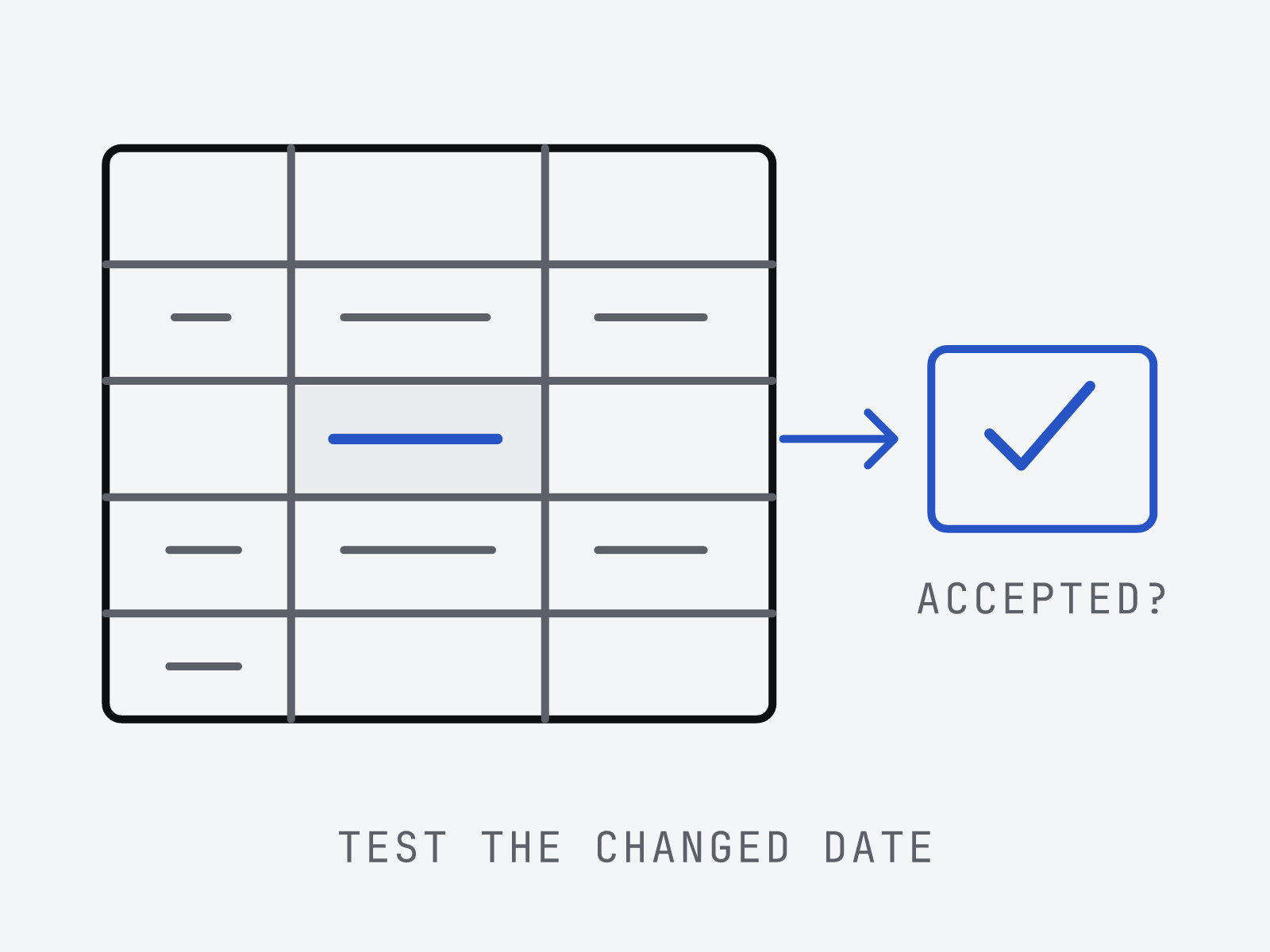
In this hypothetical example, a training provider allocates trainers to courses in a spreadsheet. A customer moves a course date after the trainer receives the schedule. The coordinator updates the sheet, but needs confirmation that the trainer has accepted the new date.
The decision concerns this handover. The spreadsheet used to explore next quarter’s staffing may remain useful.
Copy the diagnostic record
Copy these fields for each task or failure. Attach a redacted example where possible; mark untested concerns as unknown.
- Task and owner: “Allocate a trainer to a confirmed course”; name who is responsible.
- Record to trust: workbook location and row identifier; note any other system holding the authoritative course schedule.
- Exception tested: a course date changes after trainer allocation. Record each person’s steps and evidence that the handover finished.
- Failure and consequence: distinguish an actual course left without a trainer from a possible staffing gap.
- Proposed repair: the smallest change addressing the gap, with somebody to maintain it.
- Pass condition: what staff must demonstrate using normal access, including when someone is absent.
- Decision and review: keep, improve or replace, with reason, owner and chosen review date. Add a reopening trigger, such as a new customer access requirement.
From observed problem to recorded decision

Use these tests to choose a verdict
These are editorial decision rules, not a validated scoring model. For each test, record keep if it works, improve if there is a credible repair, or investigate replacement if an essential requirement remains unmet. One essential failure can decide the outcome.
- Current record: ask two colleagues to find the same course and its latest agreed details. Try a shared location and retire emailed copies before deciding the operational record needs replacing.
- Entry: try an invalid status, then paste a row from the source staff use. Test whether checks and a review step handle routine entry.
- Handover: change an allocated course date and ask the trainer to accept it. Check that pending acknowledgements stay visible and somebody follows them up.
- Access: test each person’s normal account. Record separately what they may view and change. Investigate a different interface if necessary restrictions remain unmet.
- Continuity: ask a colleague to complete the task without its usual owner. Repair missing instructions or ownership, then repeat the test.
Test the repair in the product you actually use
Microsoft’s Excel co-authoring guidance supports shared work in a workbook, subject to requirements for Excel versions, file formats and storage in OneDrive or SharePoint Online. Inspect the team’s setup before treating shared editing as a missing capability. Co-authoring alone does not demonstrate trainer acceptance of a changed date.
Microsoft documents Excel data validation, including lists and restrictions on values. It also says validation messages do not appear when data is copied or filled, and existing invalid data is not automatically flagged when validation is added. Test the team’s paste routine and check old rows.
Google’s protected sheets and ranges guidance distinguishes edit warnings from restrictions on who can edit. Google says this protection should not be used as a security measure because protected spreadsheets can be copied or exported. If the requirement concerns who may see information, demonstrate that restriction separately. Check other products’ features independently.
A worked decision for the changed course date
For the hypothetical training provider, the pass condition is: “After a course date changes, the coordinator can see whether the allocated trainer accepted it. Pending acknowledgements remain visible to the colleague covering the coordinator.”
Try an acknowledgement field with an agreed follow-up process. Change a course date while the coordinator is absent. If the covering colleague can find pending changes and obtain confirmation, record improve and name who checks the queue.
If the colleague still searches messages to reconstruct which date was accepted, record investigate replacement for course scheduling updates. Carry that failed test into the evaluation. Keep the staffing analysis sheet if it serves its purpose.
Fulcrum’s business-systems service starts with the workflow. After identifying a task to move, use the build, buy or connect comparison to assess delivery options.
Close the decision with an owner
For keep, record what would reopen the decision. For improve, name the repair owner and repeat the failed task after the change. For replace, use the pass condition as an acceptance test.
Before moving live work, identify the courses and trainer allocations to transfer, who checks them and when updates to the old sheet stop. Agree how corrections are handled.
Include handover and maintenance in the scope, as covered by Fulcrum’s ongoing-support approach. Name who operates the result.
Sources and editorial note
Sources checked on 14 October 2026: the Microsoft and Google documentation linked above. The diagnostic is editorial advice; the training provider is hypothetical. No workbook or business process was supplied for assessment.
// read next
- Business systems integration: plan the handoffs
Plan business systems integration around reliable handoffs. Set record ownership, handle retries and exceptions, and roll out with a reusable handoff card.
- Software discovery: what you should receive
Review software discovery deliverables before commissioning a build. Check the workflow map, evidence, recommendation and sample decision record.
- Bespoke vs off-the-shelf software: build, buy or connect
Compare bespoke software, off-the-shelf products and system integration. Use a worked workflow and decision worksheet before committing to a build.